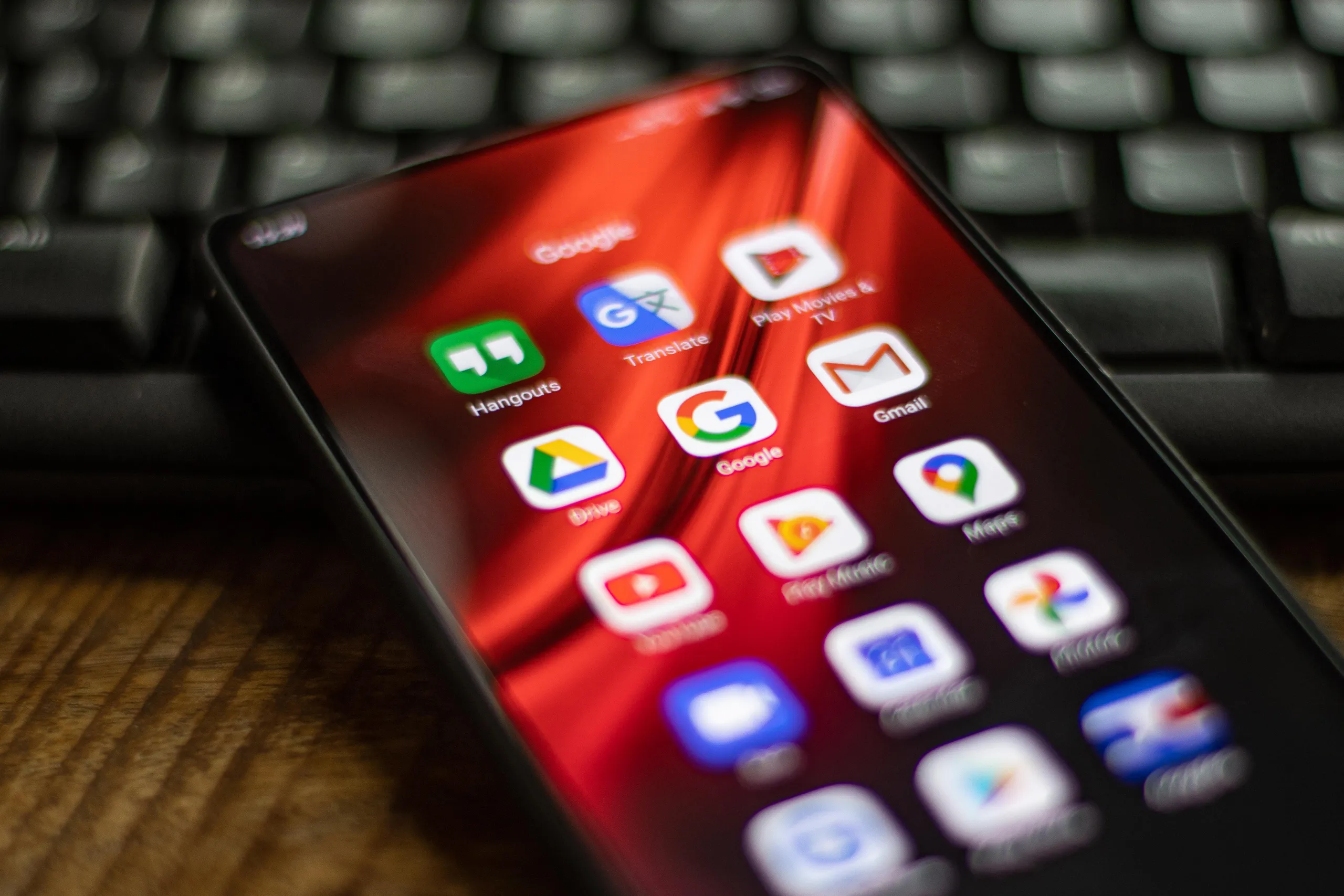
Smartphones serve as guardians of our digital memories, loaded with priceless images and videos, such as recordings of our children or saved messages from loved ones. As reliance on these devices grows, the necessity for backing up our data becomes more crucial than ever to ensure that valuable information is not lost.
In this article, we explore various methods to back up Android phones, empowering users to take necessary steps to protect their data.
The easiest way to back up data is by using Google’s cloud storage service, which is integrated into the Android operating system. Users can find their backups through the "Google One" app, but they should pay attention to the free storage limit of 15 GB. Considering this limited capacity, some may wish to subscribe to paid plans, which offer various storage options starting from 100 GB at a cost of $2 per month.
If you prefer to download files directly to your computer, this process is very straightforward whether you are using Windows or Mac. Android files transfer easily to the computer, providing an alternative solution to traditional backups.
In addition to Google, there are several other cloud applications such as Dropbox and Microsoft OneDrive that offer additional storage services. Most of these services provide free storage space, but the backup methods vary from app to app, necessitating users to understand how to configure these services.
Despite available cloud options, some may prefer to ensure their data is protected through local backups on external drives or USB flash drives. While this requires more effort, it offers greater control over the data.
For Samsung phone users, additional backup options include using the company’s cloud services. However, many prefer to stick with Google services since Samsung backups can only be restored on Samsung phones.
Some popular applications, like messaging apps, integrate automatic backup features, making it easier for users to keep a secure copy of conversations and images. When setting up two-factor security, it is important to pay attention to the required steps to resolve any issues that may arise in case the phone is lost, as Google provides options for generating backup codes.
The most important aspect of all these strategies is ensuring that the data is stored securely. With the advancement of technology and increasing reliance on phones, the need to protect personal information becomes imperative.
In conclusion, this article highlights the importance of taking preventive measures to safeguard important data before any issues occur. The more information we keep on our phones, the greater the need to find effective ways to secure it.