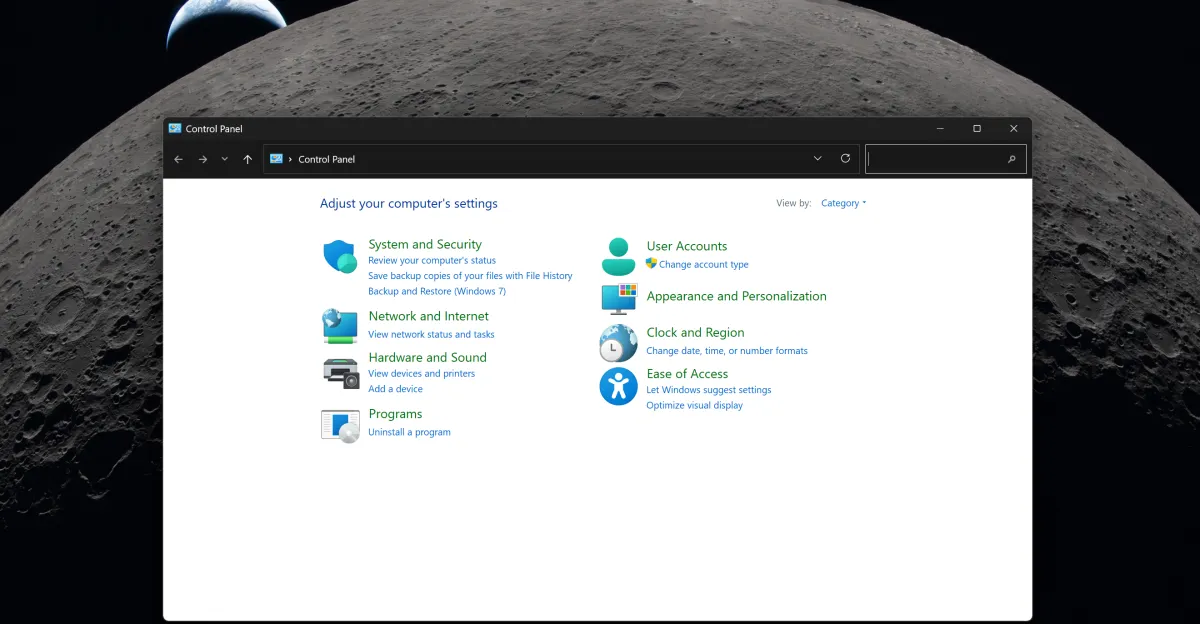
Since the launch of Windows 8 in 2012, Microsoft has been making efforts to phase out the traditional Control Panel in its operating system. Over a decade later, the company is still in the process of transferring all elements of the old Control Panel to the modern Settings app in Windows 11. While there have been indications that the Control Panel could be removed, the reality is more complex.
In this context, Marsh Rogers, the design director at Microsoft, explained that the company is approaching this matter with great caution due to the numerous devices, networks, and printers that need to be ensured are unaffected during the transition. This may be the first time Microsoft has provided a comprehensive explanation for the delay in eliminating the Control Panel.
Details of the Transition
Microsoft was expected to remove the Control Panel by 2024, following years of its marginalization in recent updates to Windows 11. However, a support note was updated to indicate that the company is still in the process of transferring elements to the Settings app.
Over the past year, Microsoft has moved settings related to the clock, keyboard repeat delay, mouse pointer blink rate, as well as time, number, and currency formats to the Settings app. Additionally, many other mouse settings have been added to the main Settings app, allowing users to avoid using the Control Panel altogether.
Background & Context
The Control Panel has been a fundamental part of Windows systems since its inception, providing a centralized user interface for managing system settings. As technology has evolved, Microsoft has begun to enhance the user interface, leading to the emergence of the Settings app as a more modern alternative.
Microsoft aims to improve the user experience by redesigning the Settings interface to be clearer and more user-friendly. These enhancements have been announced as part of broader efforts to refine the Windows 11 operating system.
Impact & Consequences
These steps taken by Microsoft demonstrate its commitment to enhancing user experience, but they also reflect the challenges faced by tech companies in updating their systems. Significant changes may lead to dissatisfaction among some users who are accustomed to the old interfaces, and the transition from the Control Panel to the Settings app may affect how users interact with the system, requiring them to adapt to the new changes. Nevertheless, improvements in performance and interface could lead to a smoother experience.
Regional Significance
The implications of this transition are significant not only for Microsoft but also for users globally. As companies strive to modernize their systems, the way users interact with technology continues to evolve. This transition could set a precedent for how future operating systems are designed and how user interfaces are structured.
In conclusion, while the delay in removing the Control Panel may be frustrating for some, it highlights the complexities involved in technological transitions and the importance of ensuring a seamless user experience.