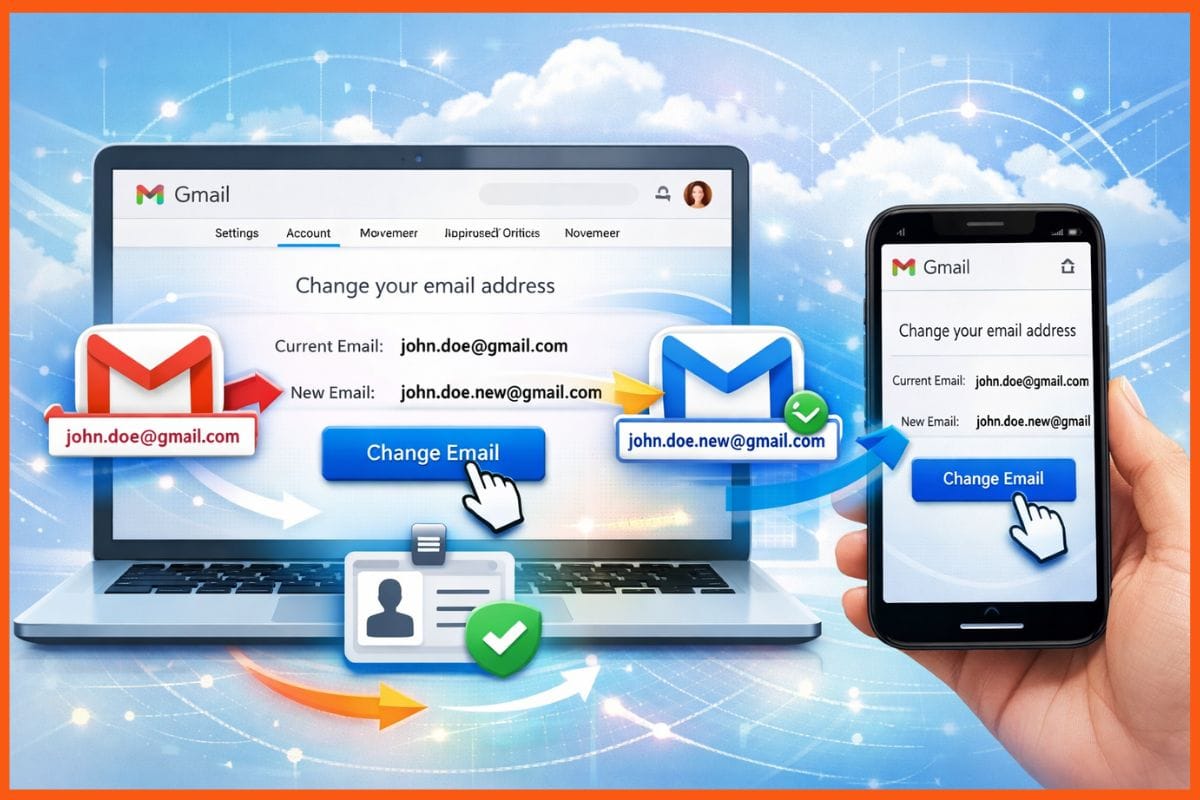
Google has launched a new feature for Gmail users that allows them to easily change their email address. This update comes at a time when many users are looking to improve their digital identity, especially those who wish to use more professional or suitable names for their personal needs.
This feature is particularly useful for individuals who may have inappropriate or unprofessional usernames, such as "UnicornLover69," as they can now choose a new name that better reflects their identity. Gmail users in the United States can start using this new feature, which allows them to change their email address once a year.
How to Change Your Email Address
To change your email address, users must log into their account and then navigate to the email settings page. From there, they can access the personal information section and select the option to change their email address. The process is straightforward and easy, whether on the desktop version or via the Gmail app on mobile devices.
This feature allows users to retain their old messages, as emails sent to the old address will still arrive in the new inbox, meaning no important data or information will be lost. Google ensures that this process is easier compared to other options offered by competing email providers like Microsoft and Yahoo.
Background & Context
Email services are an essential part of modern digital life, with millions using them worldwide for personal and professional communication. As digital identity becomes increasingly important, it is crucial for users to be able to modify their information to align with their aspirations and needs.
In recent years, there has been significant evolution in email services, with major companies like Google and Microsoft striving to enhance user experience by adding new features. The ability to change an email address is part of this trend, as companies respond to the growing demands of users.
Impact & Consequences
This update could have a significant impact on how people use email services. For many users, this feature may be an opportunity to refresh their digital identity, especially for those facing challenges with inappropriate names.
This move also reflects Google's commitment to improving user experience, which could enhance customer loyalty and increase the use of its services. However, users should think carefully before making this change, as Google allows for a name change only once a year.
Regional Significance
In the Arab region, email usage is a fundamental part of daily life, whether in work or personal communication. The ability to change an email address may be particularly beneficial for users who wish to adopt more professional names in work environments.
This feature may also encourage more people to use Gmail services, thereby strengthening Google's position in the Arab market. Amid increasing competition among email service providers, this step could be a strategic move to attract more users.
In conclusion, Google's new update for changing Gmail addresses represents a positive step toward enhancing user experience and reflects the company's commitment to meeting its customers' needs. With the growing importance of digital identity, this feature could be a turning point for many users seeking to improve their digital presence.